Book maphover to look closer
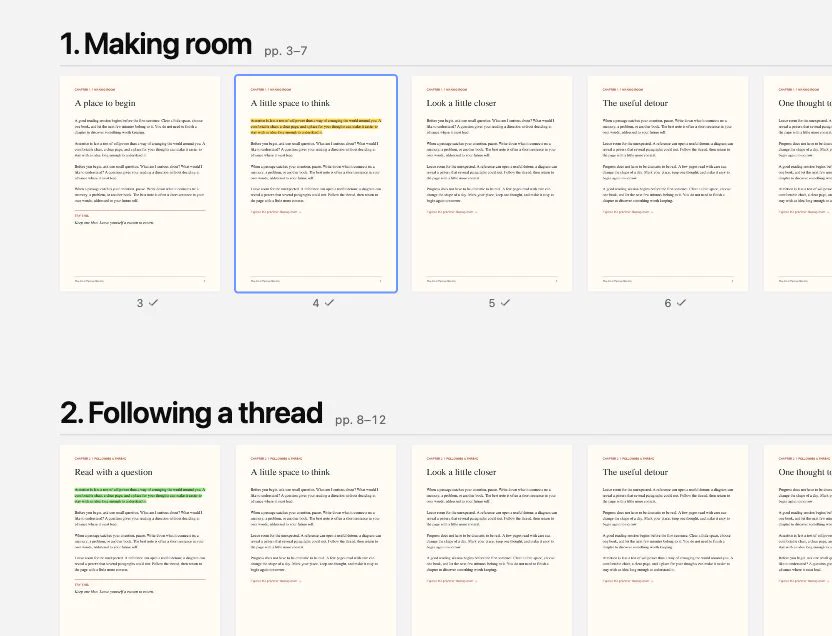
Littlefold is a calm PDF reader with a visual book map, notes beside the page, and a small cat who keeps you company.
Get early access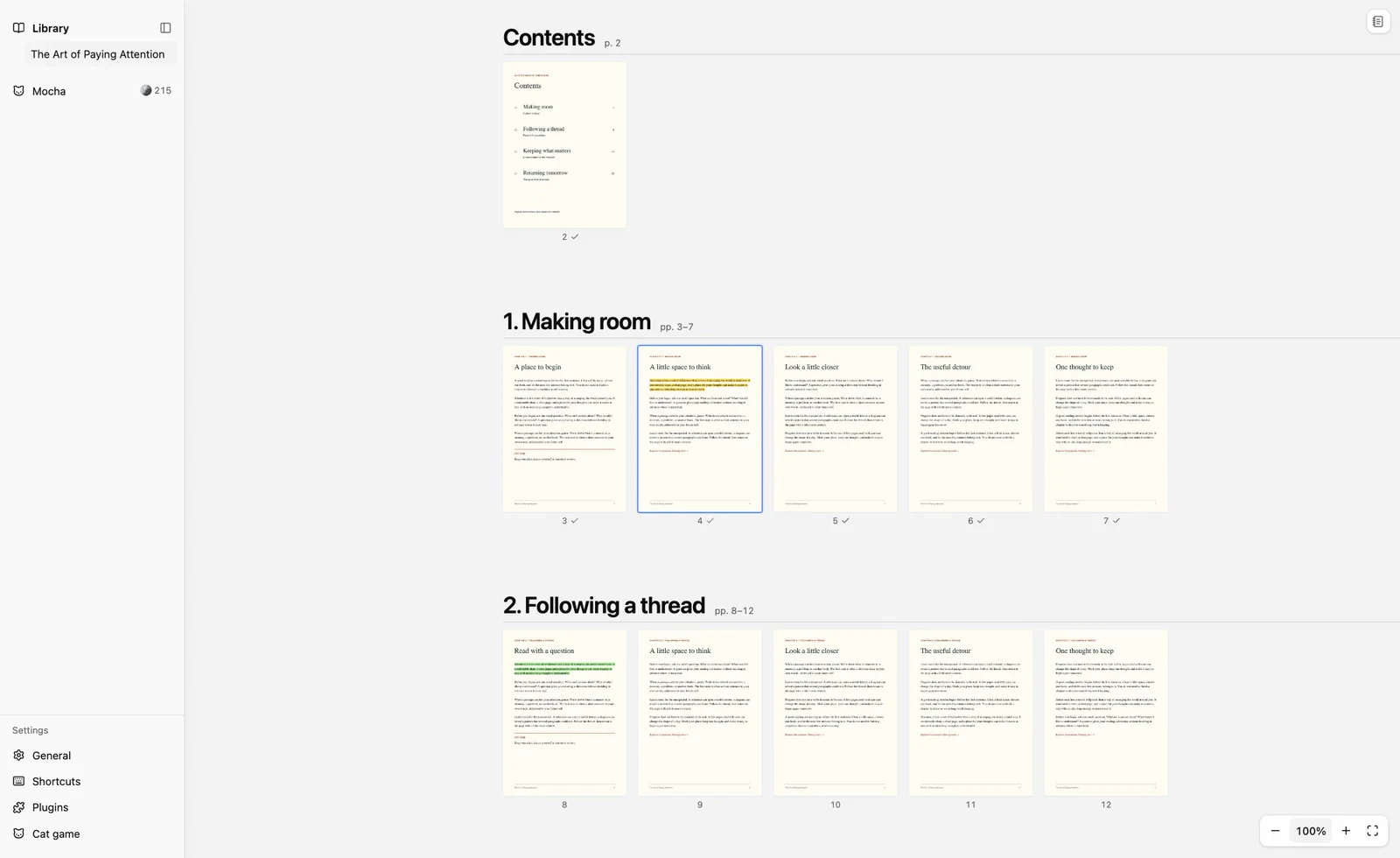
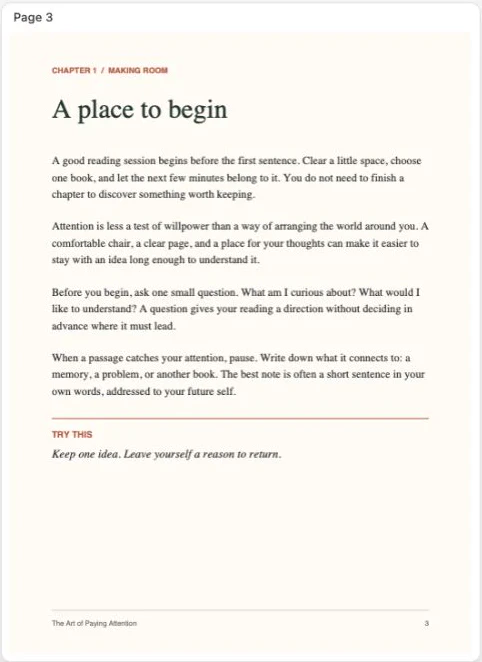
Pages sit under their chapter titles, and the ones you’ve read are checked off. Zoom into a page, then back out again.
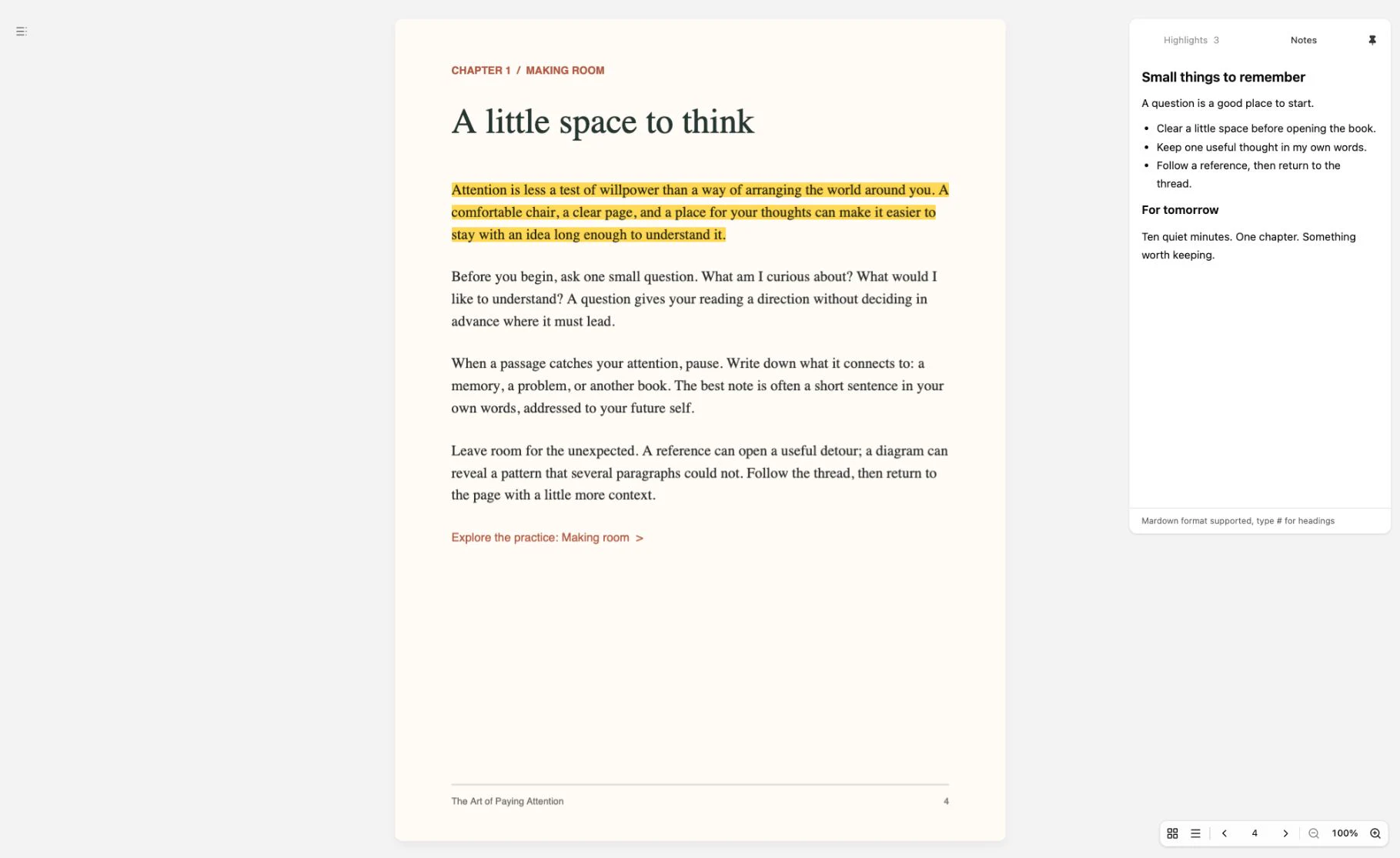
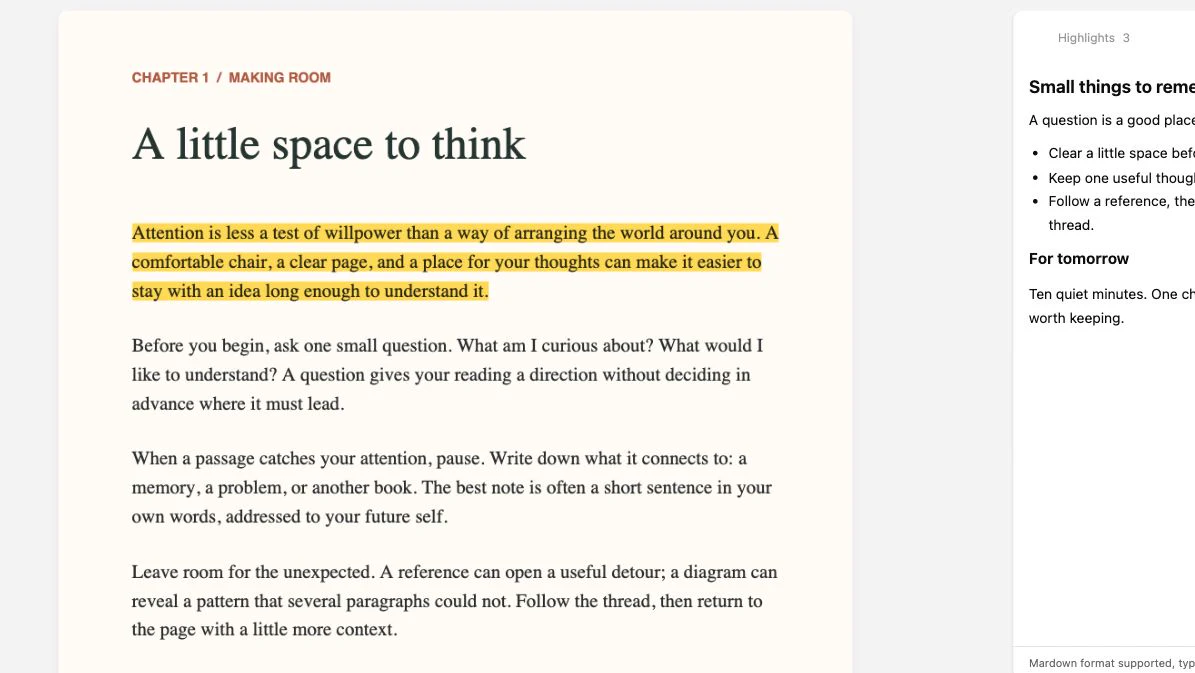
One note per book, open beside the page: a question, a short list, a thought for tomorrow.
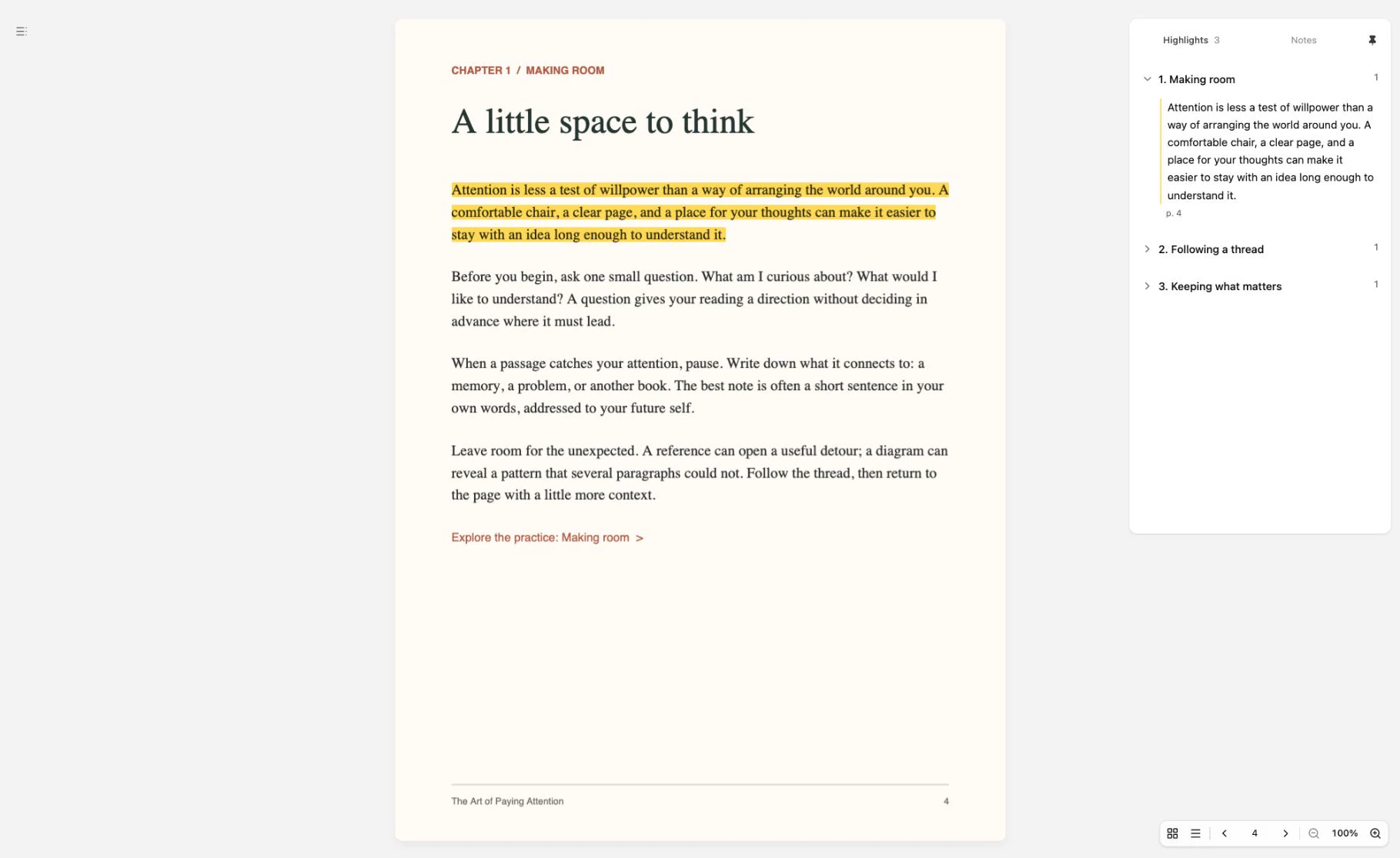
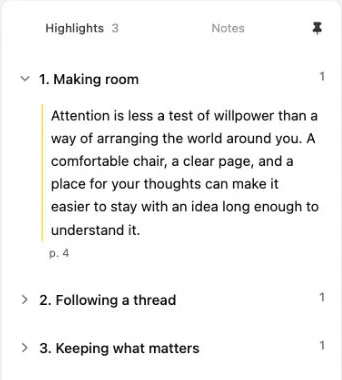
Highlight a passage and it’s filed under its chapter, ready when you look back.
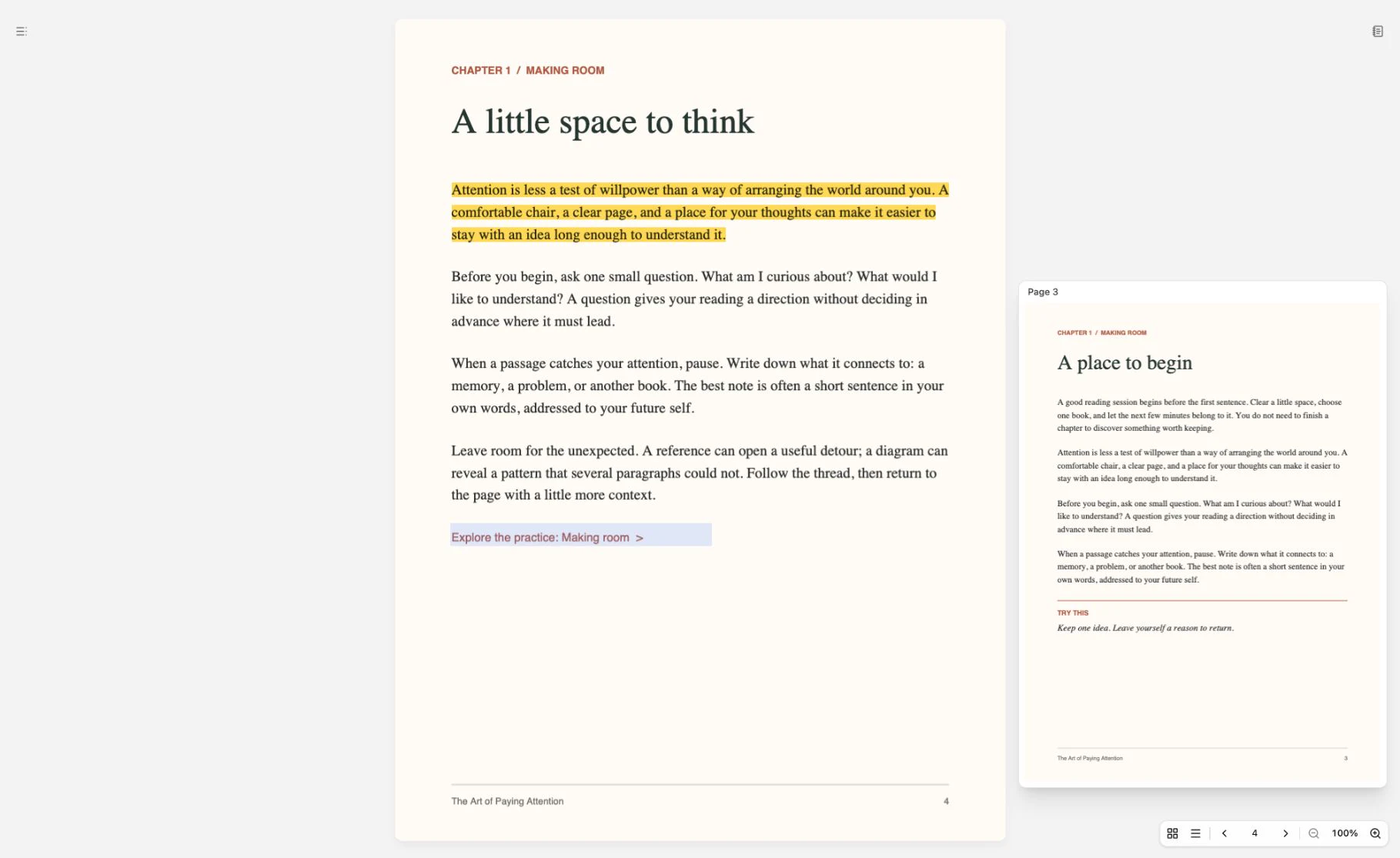
When the text points to
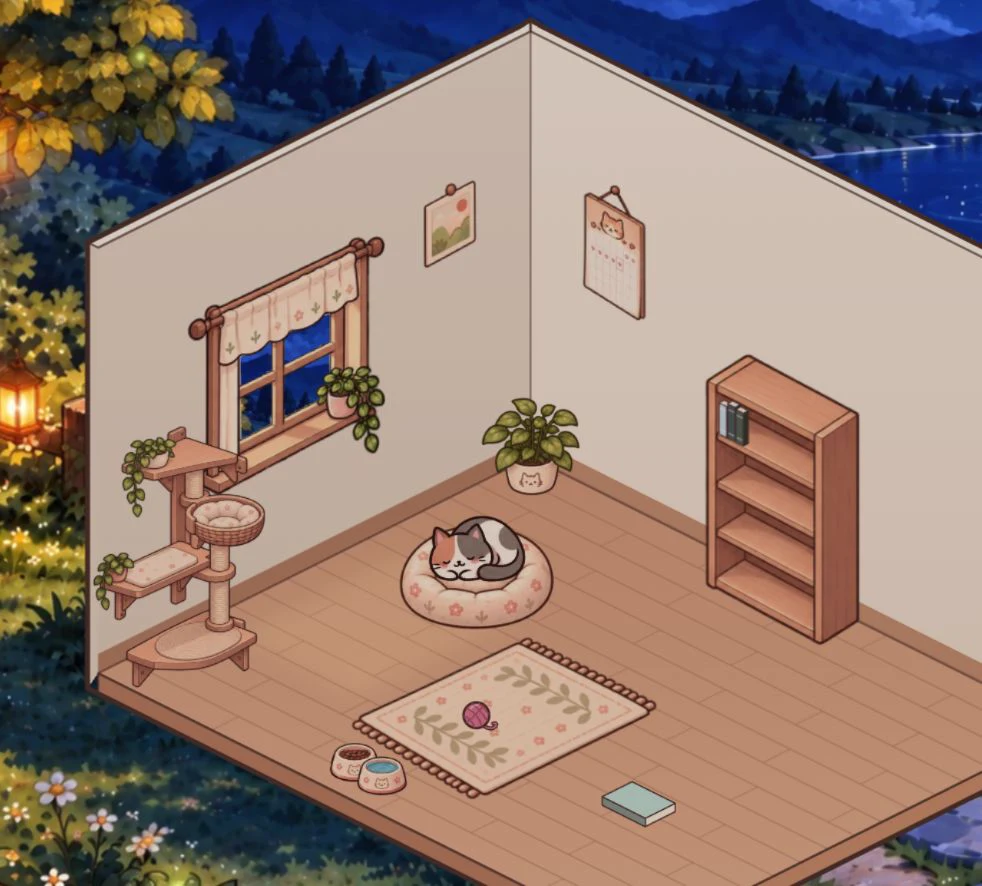
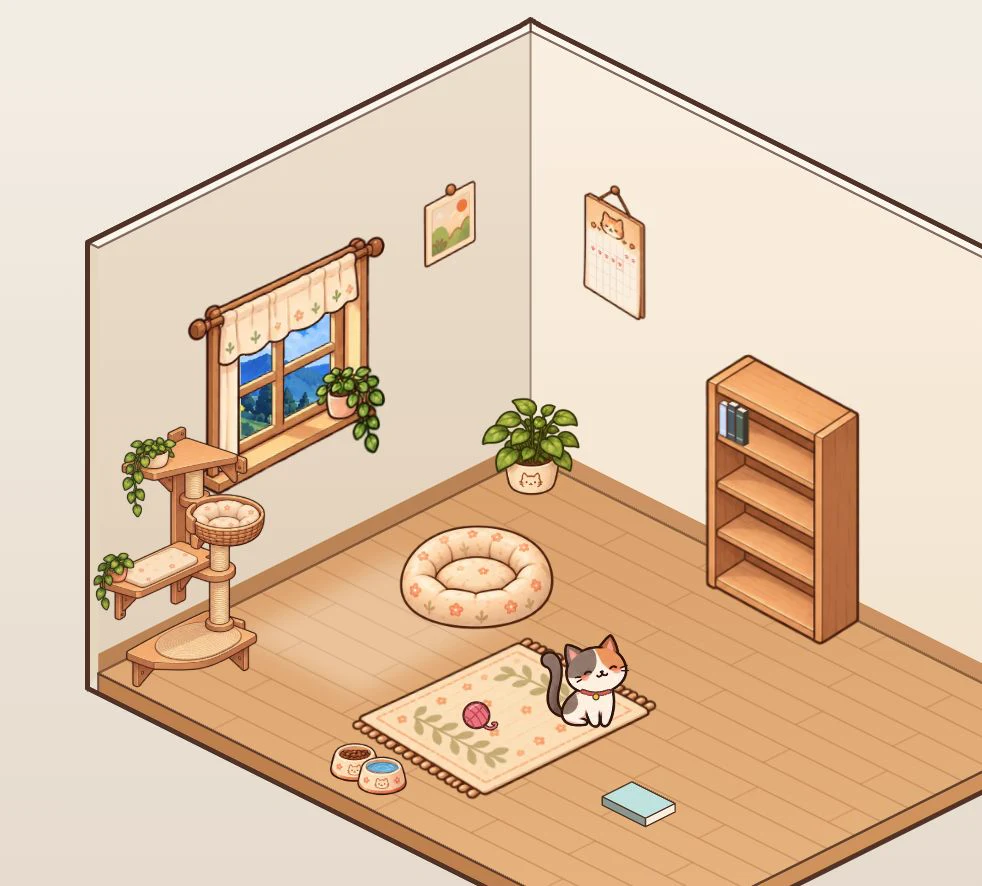
A small cat keeps you company while you read. Reading fills Mocha’s bowl and earns coins for food and furnishings, so the room becomes a little more yours over time. The companion is optional: Littlefold is a complete reader without it.
Made for PDFs
From long nonfiction to technical manuals.
Bring your own books
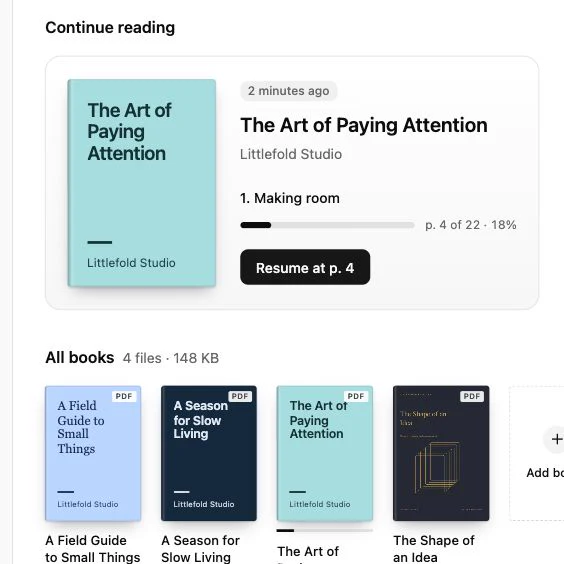
Add PDFs from your computer, then search and map them.
Stays on your computer
Books, highlights, notes, and progress stay with the app.
Company, if you like
Mocha is optional. Littlefold is a complete reader without it.
PDF. Littlefold is built around PDFs, from long nonfiction to technical manuals. Other formats, such as EPUB, are not supported.
Littlefold is a desktop app. We’ll list the supported macOS versions, and whether builds cover Apple silicon and Intel Macs, as soon as each build has been tested.
Yes. Add PDFs from your computer to your library, then search them, map them, and read them in Littlefold.
Yes. Mocha is there if you’d like a little company. Littlefold works as a complete reader without it.
Littlefold doesn’t offer cloud sync. Your books, highlights, notes, and progress stay with the app on your computer.
Pricing hasn’t been decided yet, and we’ll publish it here first. To join early access, send us a note using the button on this page and we’ll get in touch when a build is ready for you.
Send us a short note and we'll write back when there's a build for you to try.
Get early access